
Simplify
Clean up any page - reader mode and text simplification
See It in Action
Just installed?
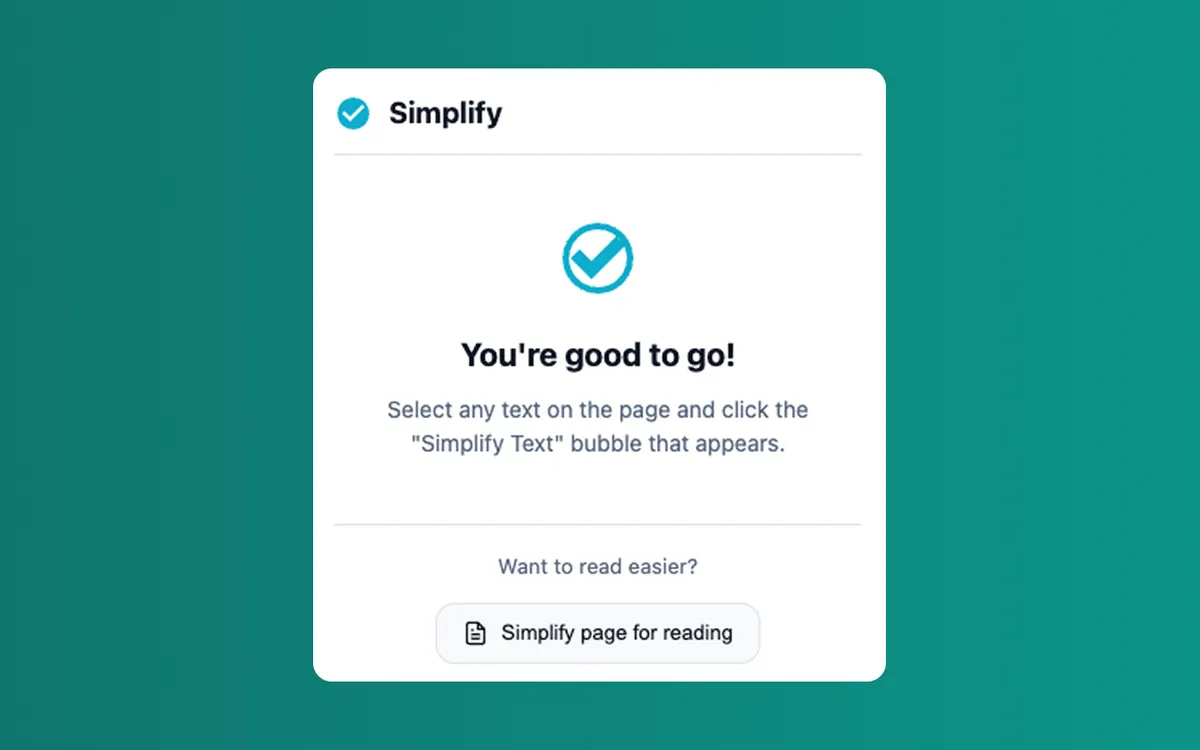
Pin Simplify for one-click access
New extensions are hidden by default. Pin Simplify to your toolbar so you can reach it without digging through menus.
Simplify- 1Click the extensions(puzzle piece) icon in your browser's toolbar.
- 2Find Simplify in the dropdown and click the pin icon next to it.
- 3Done. The Simplify icon now lives in your toolbar — one click away.
Have more questions? See the FAQ.
What Simplify Does
Built with precision to solve real problems without adding complexity.
One-Click Reader Mode
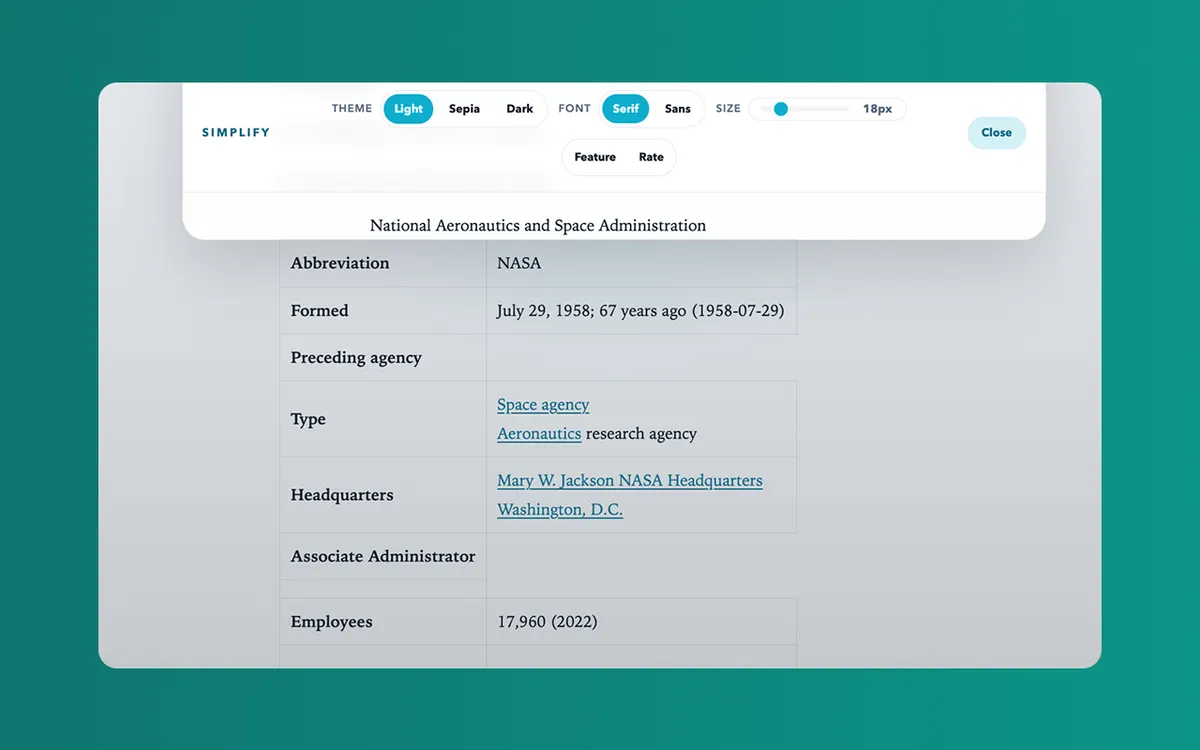
Click the toolbar icon or press Alt+Shift+S to instantly transform cluttered pages into clean, readable articles.
Smart Content Extraction
Custom Readability-style heuristics identify and extract main content, removing ads, nav, sidebars, and clutter.
Three Themes
Choose from Light, Sepia, and Dark themes to match your reading preference and reduce eye strain.
Font Controls
Switch between Serif and Sans fonts. Adjust font size with persisted preferences across sessions.
Selected Text Simplification
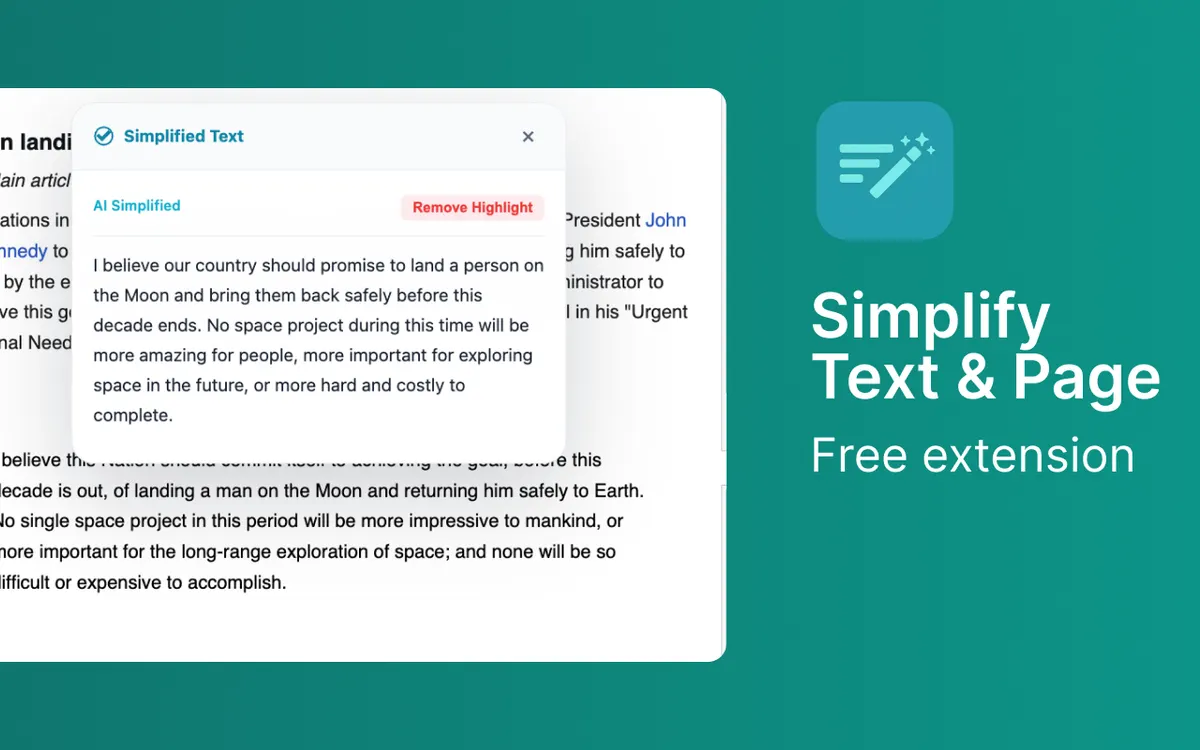
Right-click any selected text and choose Simplify to see a side-by-side comparison of original and simplified versions.
Local AI Support
Optional integration with local AI proxy for advanced text simplification. Falls back to deterministic local rules if AI is unavailable.
Perfect For
Simplify is designed for anyone who wants a better browsing experience. Here are just a few ways people use it.
Reading news articles without distractions
Long-form blog posts and essays
Printing clean versions of web pages
Reducing eye strain with custom fonts and spacing
How It Works
Install the Extension
Add Simplify to your browser from the Chrome Web Store, Firefox Add-ons, Microsoft Edge Add-ons, or Safari Extensions Gallery. The installation takes seconds and requires no technical knowledge.
Configure Your Settings
Click the extension icon in your browser toolbar to access the settings. Adjust the options to match your preferences. Most users find the defaults work perfectly.
Enjoy the Benefits
That is it. The extension runs quietly in the background, doing exactly what you installed it for. No complicated workflows, no learning curve.
Frequently Asked Questions
Common questions about Simplify. Have a question that is not answered here? Contact us and we will help.
Extension Size
~56 KB
Lightweight and fast. No bloat, no unnecessary files.
Permissions
activeTabscriptingstoragecontextMenusMinimal permissions required for functionality. No broad host access.
Works With Your Browser
Simplify is built using the WebExtensions API, which means it works seamlessly across all major browsers. Use it on Chrome at work, Firefox at home, or Safari on your Mac. The experience is identical.
You Might Also Like
Explore related extensions that complement Simplify.


Try Simplify
Free, no sign-up. Install in one click on your browser of choice.