Auto Refresh
Reload any tab on a timer. No accounts, no upsells, no adware.
See It in Action
Just installed?
Pin Auto Refresh for one-click access
New extensions are hidden by default. Pin Auto Refresh to your toolbar so you can reach it without digging through menus.
Auto Refresh- 1Click the extensions(puzzle piece) icon in your browser's toolbar.
- 2Find Auto Refresh in the dropdown and click the pin icon next to it.
- 3Done. The Auto Refresh icon now lives in your toolbar — one click away.
Have more questions? See the FAQ.
What Auto Refresh Does
Built with precision to solve real problems without adding complexity.
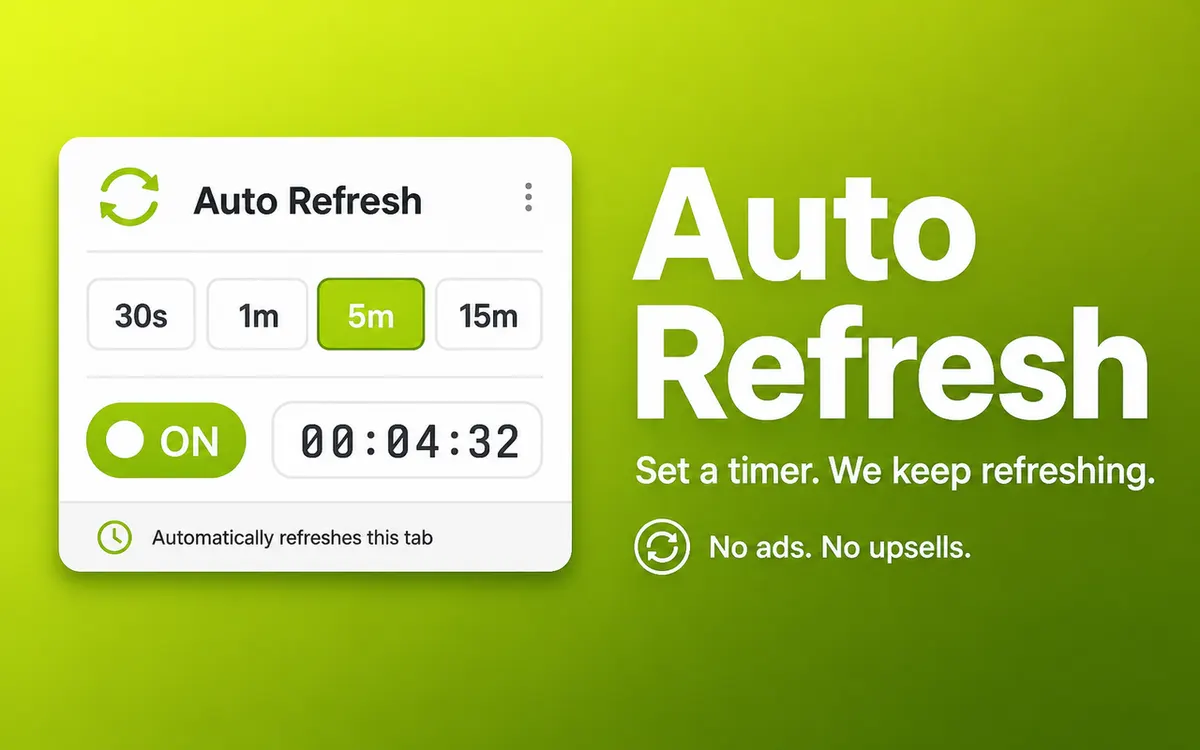
Per-Tab Timer
Each tab refreshes on its own schedule. Set five tabs to five different intervals and they each tick on their own.
Presets and Custom
Five quick presets from 30 seconds to 30 minutes, plus a custom seconds box up to 6 hours.
Live Badge
The toolbar badge shows the active interval on every refreshing tab so you know at a glance it's still running.
Memory-Saver Proof
When the browser puts a tab to sleep and you come back, refresh re-arms on its own.
No Accounts, No Upsells
Free forever. Single source file you can read. Zero outbound network calls.
Auto Cleanup
Close the tab and its alarm goes with it. Nothing left behind.
Perfect For
Auto Refresh is designed for anyone who wants a better browsing experience. Here are just a few ways people use it.
Watching for tickets to drop on a sale page
Tracking a delivery ETA without spamming F5
Long build dashboards and CI status pages
Sneaker restocks and limited drops
Live scores and stock tickers
How It Works
Install the Extension
Add Auto Refresh to your browser from the Chrome Web Store, Firefox Add-ons, Microsoft Edge Add-ons, or Safari Extensions Gallery. The installation takes seconds and requires no technical knowledge.
Configure Your Settings
Click the extension icon in your browser toolbar to access the settings. Adjust the options to match your preferences. Most users find the defaults work perfectly.
Enjoy the Benefits
That is it. The extension runs quietly in the background, doing exactly what you installed it for. No complicated workflows, no learning curve.
Frequently Asked Questions
Common questions about Auto Refresh. Have a question that is not answered here? Contact us and we will help.
Extension Size
~33 KB
Lightweight and fast. No bloat, no unnecessary files.
Permissions
alarmsstorageactiveTabtabsscriptingMinimal permissions required for functionality. No broad host access.
Works With Your Browser
Auto Refresh is built using the WebExtensions API, which means it works seamlessly across all major browsers. Use it on Chrome at work, Firefox at home, or Safari on your Mac. The experience is identical.
You Might Also Like
Explore related extensions that complement Auto Refresh.


Try Auto Refresh
Free, no sign-up. Install in one click on your browser of choice.